Screen Setup and Screen Sharing
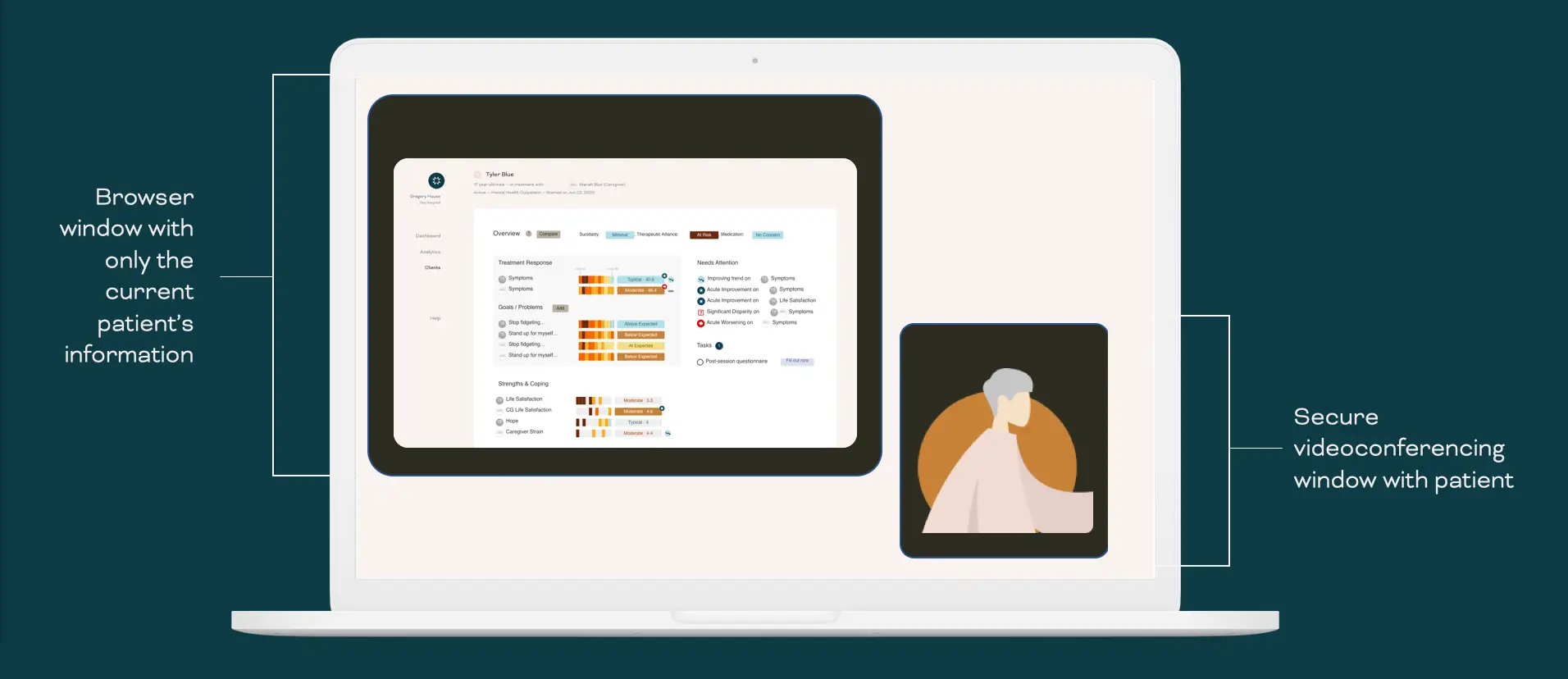
When practicing telemental healthcare, it is important to understand how to best navigate activities like screen sharing and the positioning of Internet windows that may contain protected health information (PHI).
First, ensure all sessions conducted virtually are done on a platform that meets the appropriate verification, security, and confidentiality settings for your organization. Common platforms include Zoom, Google Hangout, BlueJeans, etc.
When screen sharing with patients to review their clinical report, you can show them their reports. It is important to ensure that their information is the only patient data present on your screen. Prior to the session, close tabs detailing other patient information on your Internet browser, and make sure to close any documents, spreadsheets, or other files that may contain other patients' PHI.