What is Measurement Adherence?
Measurement-based care relies on a virtuous cycle of self-reported feedback to function. To briefly summarize:
- Patients need to complete assessments regularly
- Providers need to look at the feedback in a timely manner to influence treatment, and
- Share the feedback with the patient
We can measure the first two using these important statistics:
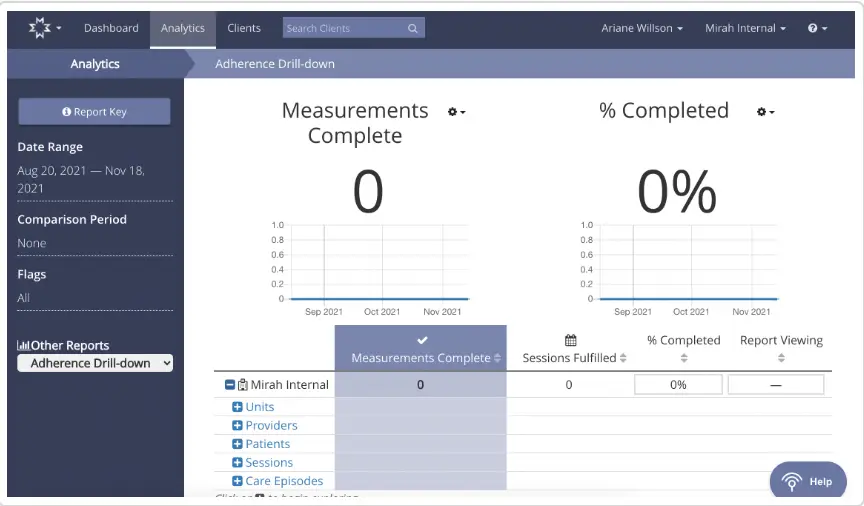
- What % of assessments are being completed ('assessment completion')
- What % of completed assessments are being viewed before or during appointments ('feedback viewing')
Where do I see Measurement Adherence in the platform?
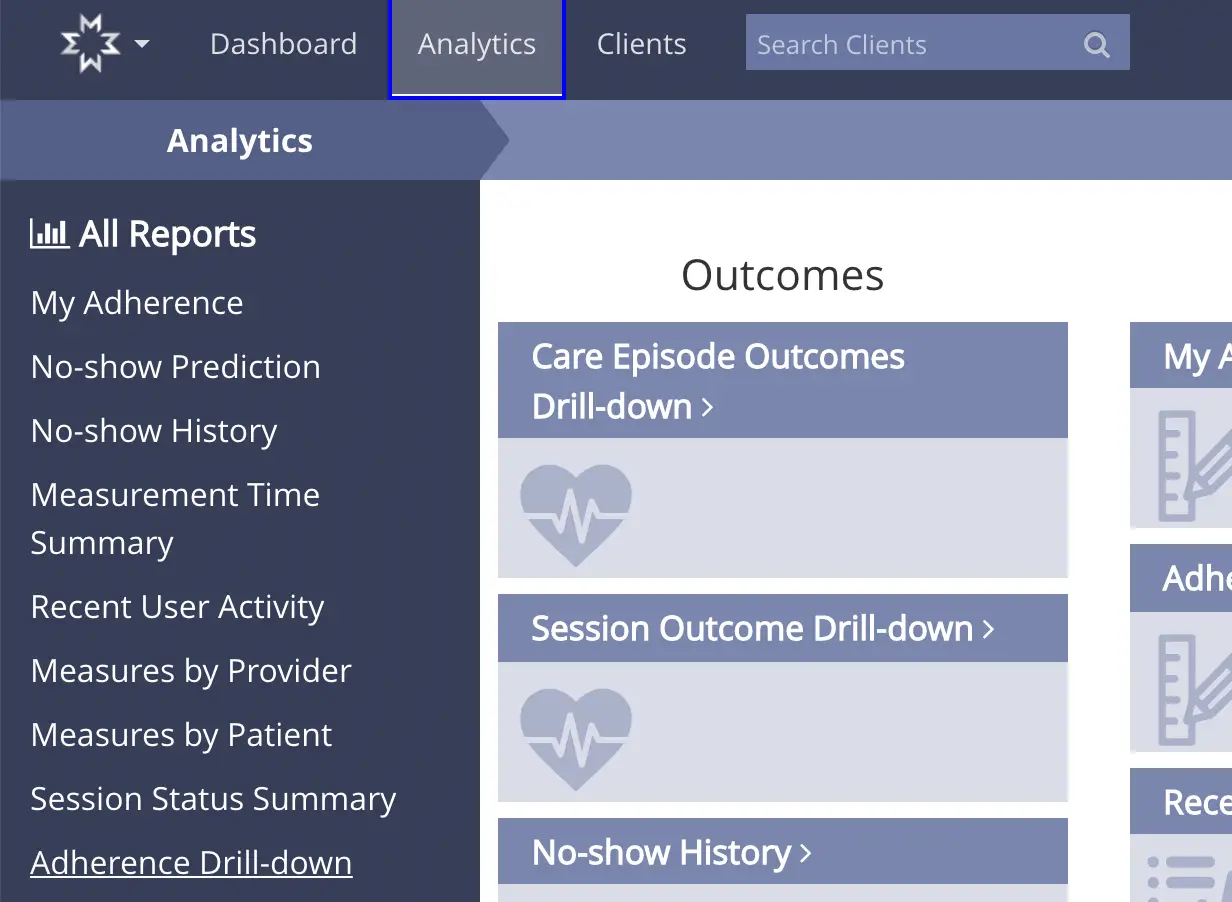
Under the Analytics tab in Mirah, scroll down and select 'Adherence Drill-down'.
How are these two statistics defined?
#1 Assessment Completion
'Assessment completion' is defined as:
# of assessments started by at least one respondent / # of attempted measurements for fulfilled appointments or appointments with data
Respondent: patient, caregiver, clinician all count
Started: the respondent logged in and saw the first question
Attempted Measurements: any measurement opportunity, whether or not any notifications are sent out
Fulfilled appointments: the appointment is thought to have taken place, and a clinical encounter took place
_Appointments with data: a_ny appointment with feedback filled out, whether or not it took place. If a patient fills out the form but does not show up for the session, it will still count this as 'appointments with data'.
#2 Feedback Viewing
'On Time Feedback Viewing' is defined as:
# of completed assessments viewed before or during appointment by appointment provider / # of completed assessments
'Feedback Viewing' is defined as:
# of completed assessments viewed by appointment provider / # of completed assessments
- Completed assessments: see above calculation ('assessment completion' = # assessments started by at least one respondent over the # of attempted measurements for fulfilled appointments or appointments with data)
- Appointment provider: the clinician who is providing care and needs to look at the data to influence treatment
- Viewed: opened the feedback report for that patient
- Viewed before or during appointment: opened the feedback report any time up to 1 hour after the time the appointment ends