What a Patient Sees
Patients typically experience the following when completing measures:
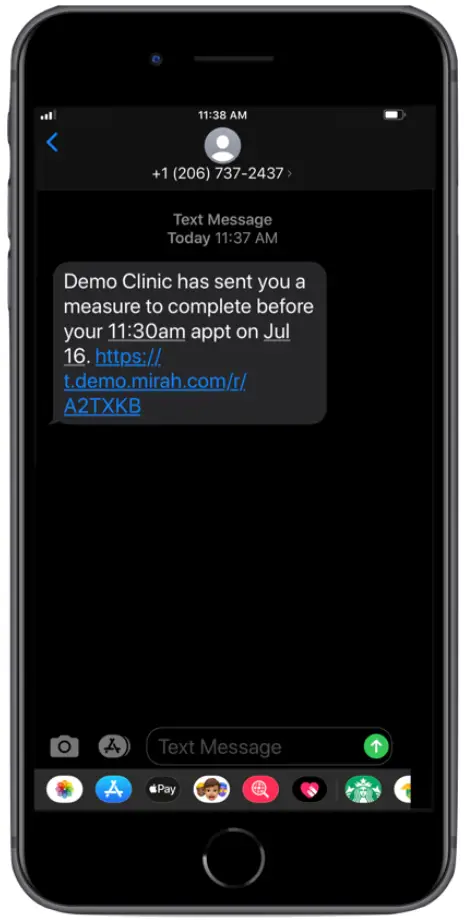
1). First, they will receive a notification either via text or email alerting them that measures for their next therapy session need to be completed.
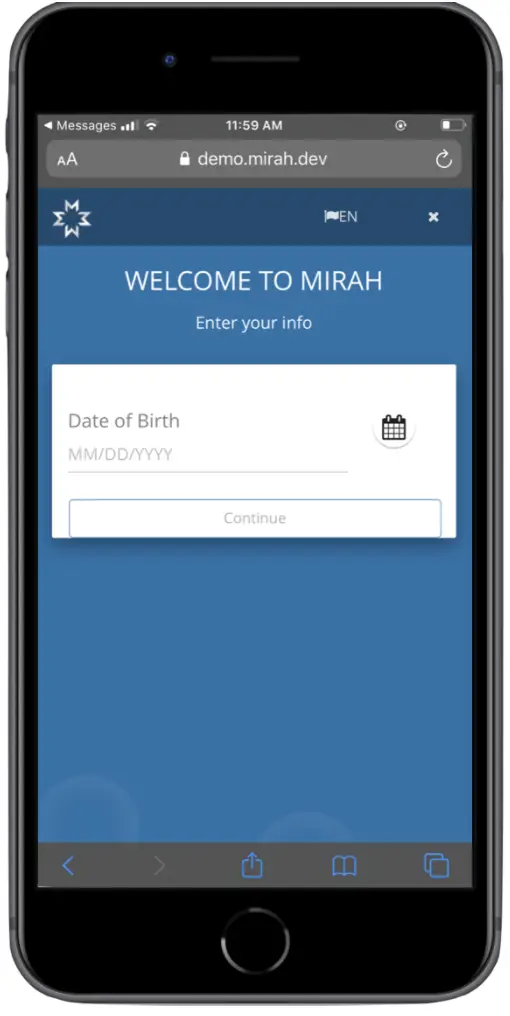
2). Before completing any measures, patients will be asked to log in using either their birthdate or the last four digits of their social security number. Your organization decides which piece of information is required here.
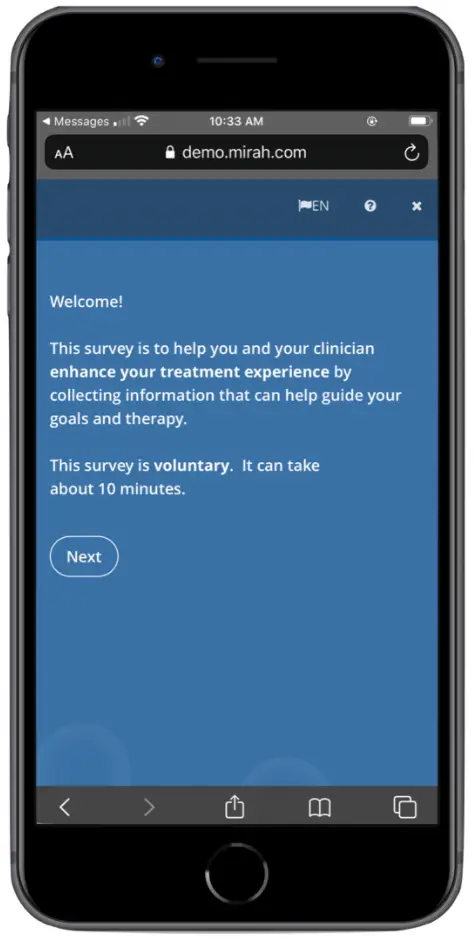
3). Next, they will view a welcome screen.
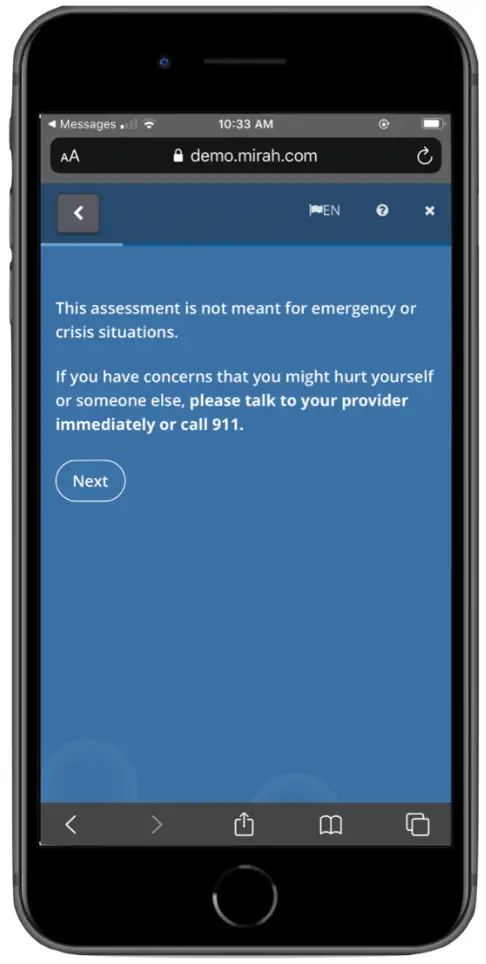
4). Patients will then view the crisis instructions screen. This language emphasizes that measures are not meant to be used in the case of emergencies. We work with leadership at each organization to ensure this language matches the advisories patients receive from your organization generally.
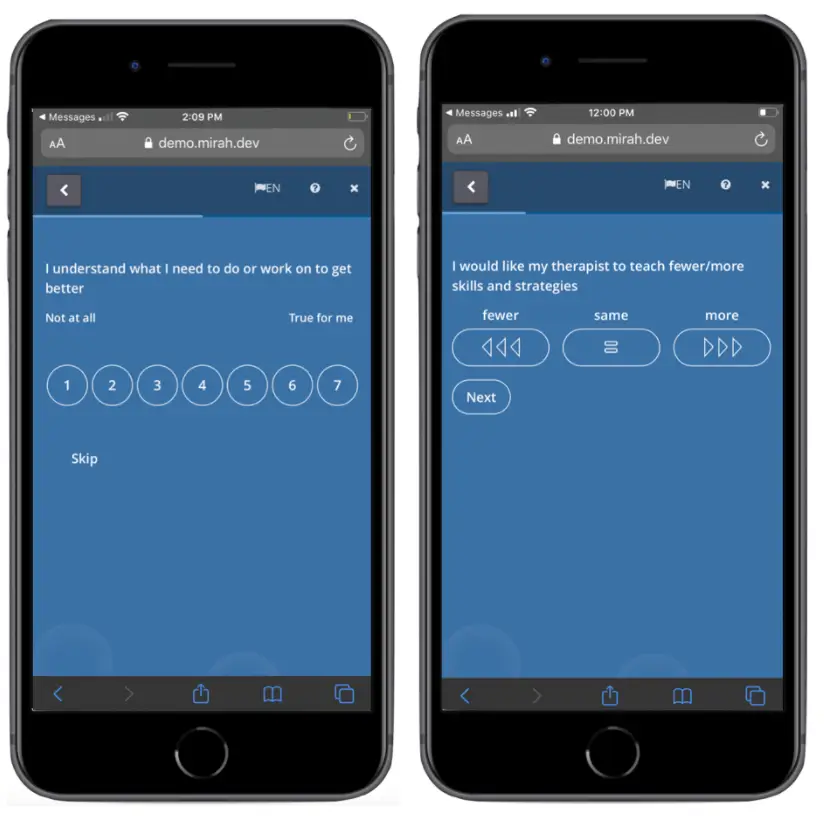
5). Next, patients will start the measures assigned to them. Measures taken by patients can vary, but some questions include severity scales, yes or no options, or multiple-choice options.
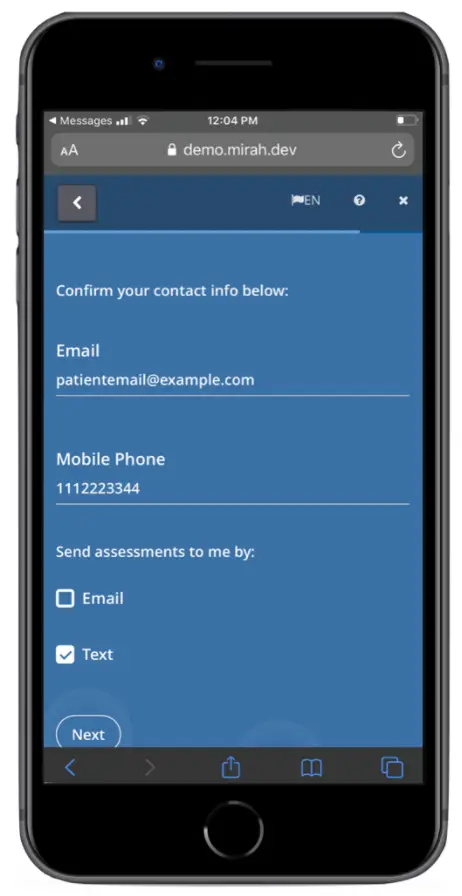
6). The first time a patient completes measures, they are asked to verify their email and phone number as well as indicate their notification preferences.
7). After completing all their measures, patients will see a screen thanking them for their answers. If a patient closes out of the tab or is inactive for 2 minutes, even if measures are only partially completed, the patient will not be able to log back in to complete the remainder of their measures.
