Outcomes Framework - Edit a Metric
You may edit a metric at any1 time. Do can do this by either:
- Clicking the gear icon on the related Metric and selecting Edit on the Metric Dashboard.
- Selecting Edit this metric on the Metric Details page.
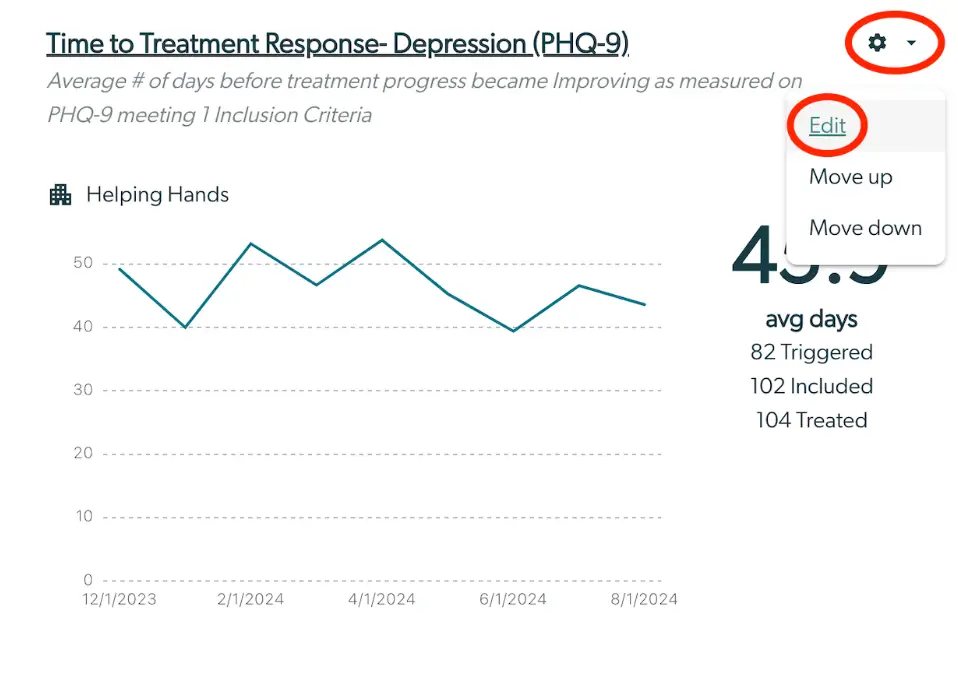
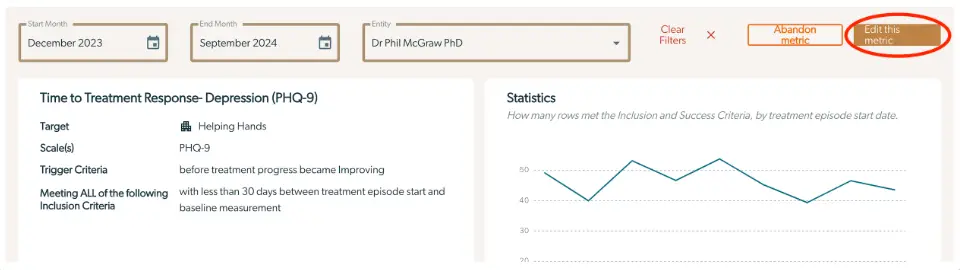
Once you select this option, you will be taken back to a screen similar to the metric creation screen where you will have the opportunity to edit the metric.
Based on what you want to edit, reference the same instructions here on how to create a metric to decide what to edit.
To save your changes, click Update Metric at the bottom of the Configure Your Metric section.

If you no longer want to track a metric, see here how to Abandon it.