Multi-Site Manager
Mirah’s Multi-Site Manager allows customers with more than one Mirah site to aggregate data easily within the platform.
Setup
- Please contact your Mirah Customer Success Manager for assistance setting up a new Multi-Site Manager for your organization
Multi-Site Manager Navigation

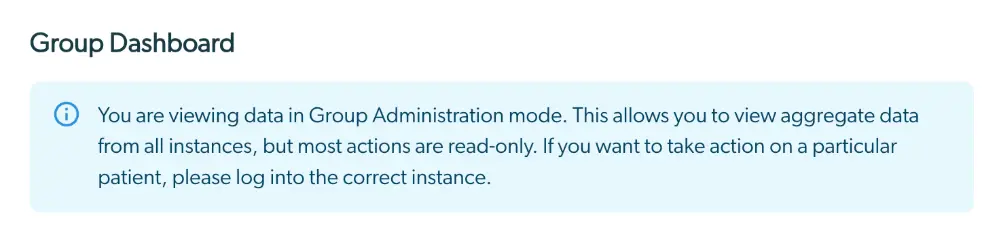
Group Dashboard
- Users can launch access to all sites within the group from the Group Dashboard, but will only be able to access the site directly if the user is also provisioned on the individual site
Group Leader Configurations
- Manage Users
- User provisioning within the Multi-Site Manager pertains ONLY to users of the multi-site manager.
- User access for each site within the multi-site group must be managed within each site
- Users who are granted access to the Multi-Site Manager will have access to Protected Health Information for all institutes in the Multi-Site Group. Patient-level data (eg: names and clinical outcome scores) are visible on the Multi-Site Manager.
- Multi-Site Manager users do not need to be provisioned on each separate site to view all data on the Multi-Site Manager
- Scheduled Exports
- Bulk data exports generated through the Multi-Site Manager will include data for all sites included in the Multi-Site group
- For assistance setting up scheduled bulk data exports for your Multi-Site Manager, please contact support@Mirah.com
Additional Functionality within the Multi-Site Manager