
Outcomes Framework - Retire a Metric

If you no longer wish to track a metric, you may select the Retire Metric option from the Metric Details page.

The screenshot displays a section of the Mirah Measurement-Based Care platform focused on retiring a metric within the Outcomes Framework. It includes fields for selecting a start month, end month, and entity, with the current selections being December 2023, September 2024, and Dr Phil McGraw PhD respectively. Each field has an associated calendar icon for date selection and a dropdown arrow for entity selection. To the right, there are options to clear filters, abandon the metric, and edit the metric. The 'Clear Filters' option is located at the top right, while 'Abandon metric' and 'Edit this metric' are positioned next to each other, with 'Abandon metric' circled in red to highlight its importance.

You will see a page asking you to confirm that you no longer want to track it. Once you confirm by selecting Retire this metric.
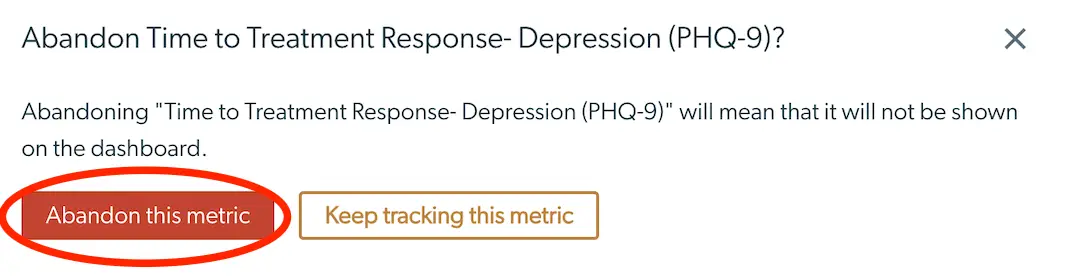
The screenshot displays a confirmation dialog for retiring a metric within the Mirah Measurement-Based Care platform. The dialog asks the user if they want to abandon the 'Time to Treatment Response - Depression (PHQ-9)' metric. It explains that abandoning this metric will result in it not being shown on the dashboard. There are two buttons at the bottom of the dialog: 'Abandon this metric' on the left, which is highlighted in red to indicate a critical action, and 'Keep tracking this metric' on the right, which is outlined in orange, allowing the user to cancel the action and continue tracking the metric.

If you change your mind and don't want to Abandon the metric, press Keep tracking this metric or press the X at the top right.